
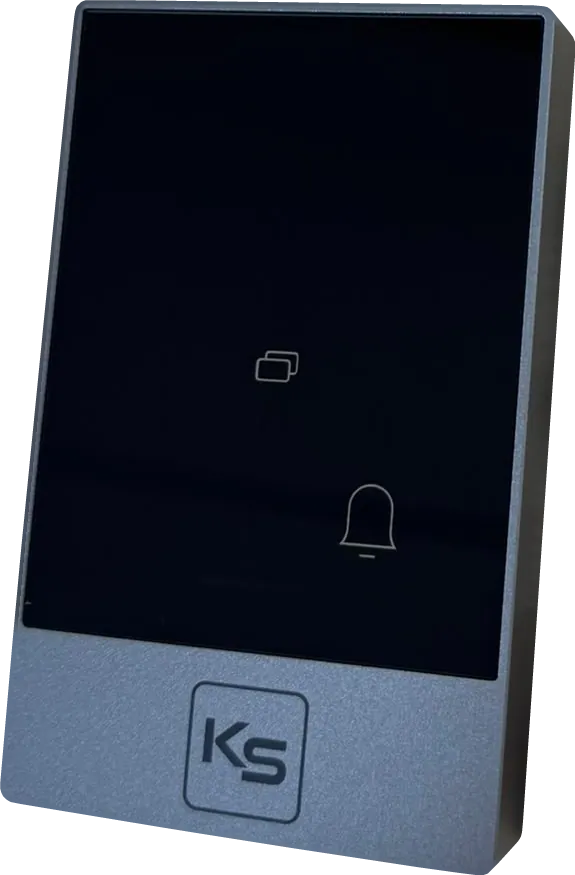
K2 Access Control Keypad
A glass touch pinpad with a card reader and a bell key, for a gate or a door. It works a separate electric lock, such as a magnetic lock.
Specifications
| Model | K2, the maker’s Smart Access Controller K2/K2F |
|---|---|
| Size | 79mm wide, 125mm high, 15.5mm deep |
| Build | Aluminium frame, toughened glass panel |
| Pinpad | 1 to 9, star and 0, a bell key and a card reader |
| Cards | Up to 20,000 |
| Power | 12V DC from a separate power supply |
| Current | About 15mA on standby, about 1A when it opens |
| Opens in | About 1.5 seconds |
| Weather Resistance | IP66 |
| Bluetooth | Bluetooth 4.1, for Android 4.3 or iOS 7.0 and later |
| In the box | The K2, a mounting plate, five screws, a hex screwdriver and the maker’s manual |
What it does
The K2 goes on the wall beside a gate or a door. Enter a code on the pinpad or hold a card to it, and it releases the lock. It holds up to 20,000 cards. The bell key rings a wired door bell, and an exit button inside lets people out.
The keys stay dark until you tap the glass, then they light up. You pair it with the app on your phone over Bluetooth, and we set it up with you.
How we install it
It needs a 12V DC power supply, an electric lock such as a magnetic lock, and an exit button inside. It can also ring a wired door bell. None of these come in the box, so we tell you which ones suit your gate or door before anything goes in.
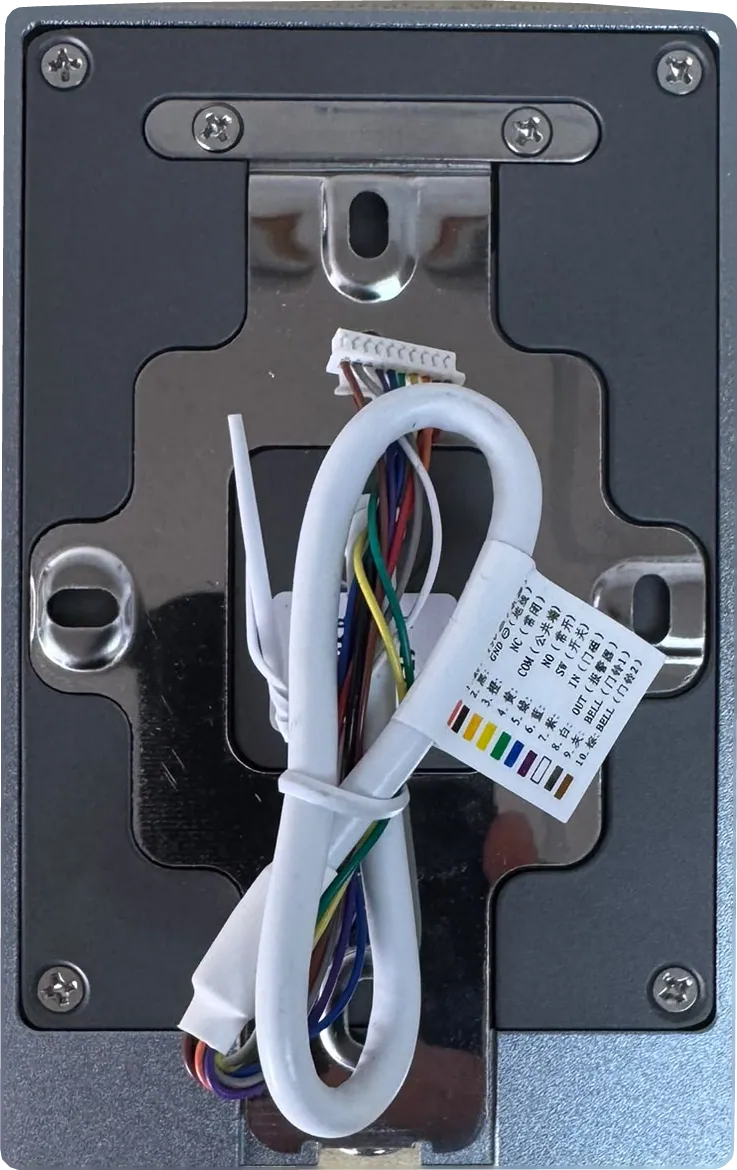
We drill one hole for the cable, fix the mounting plate to the wall with four screws, and wire the ten leads to the power supply, the lock, the exit button and the bell. Then the K2 hooks onto its plate and one screw underneath holds it on.
What else do I need with it?
A 12V power supply, an electric lock and an exit button for inside, and a wired door bell if you want the bell key to ring one. Tell us about the gate or door and we’ll tell you which ones suit it.
Can it go outside?
The K2 is rated IP66 by its maker. Tell us where it will go and we’ll confirm it suits the spot.
What if we lose track of who has codes and cards?
We can reset it to its factory settings with the button inside it, then pair it again and add new codes and cards.
Enquire about the K2 Access Control Keypad
We’ll get back to you to talk it through and sort a time. Locked out? Skip the form and call 027 359 4848, any hour.